

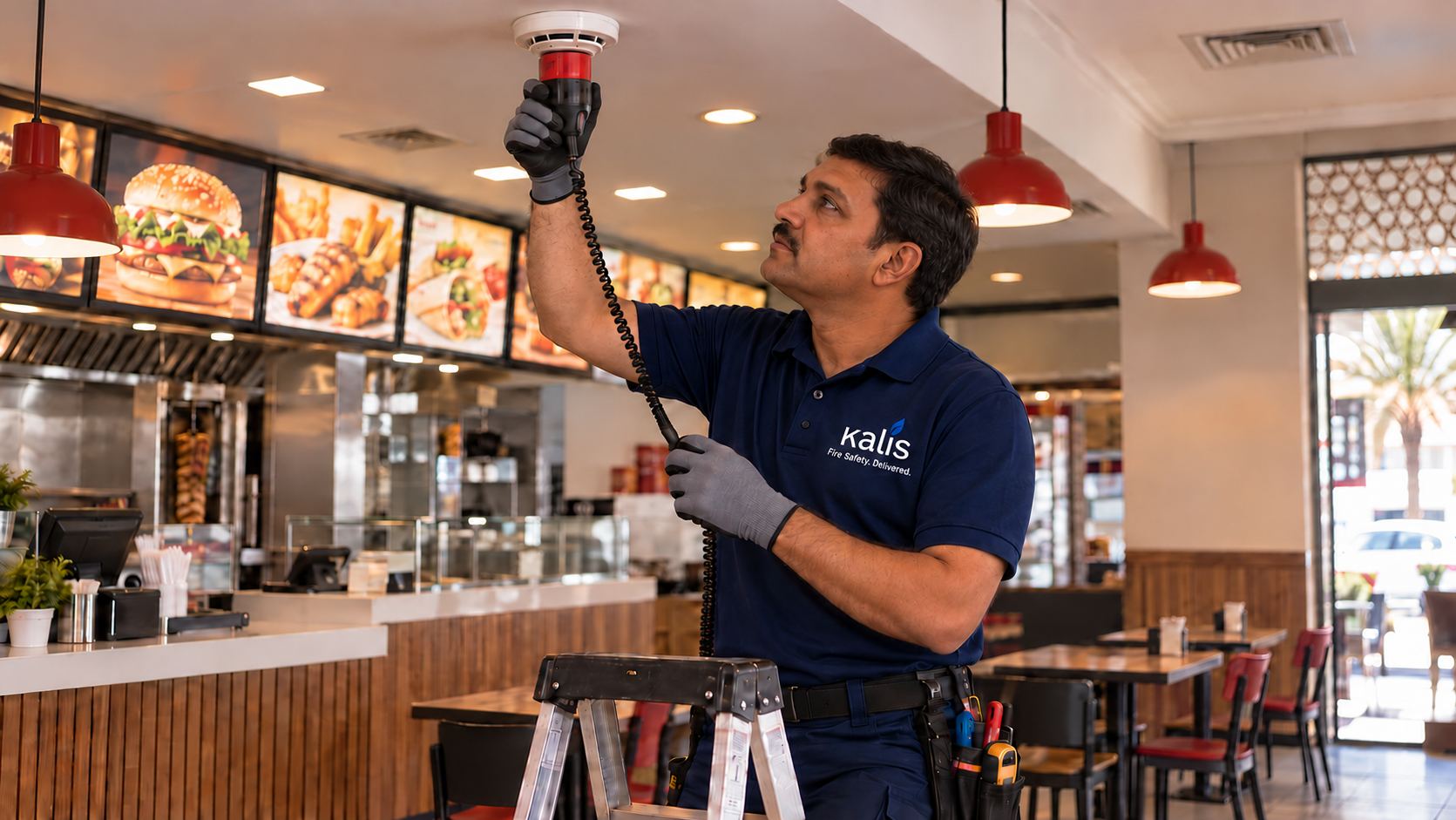
For restaurants, cafés and shops
Your outlet’s fire safety, in one place on your phone
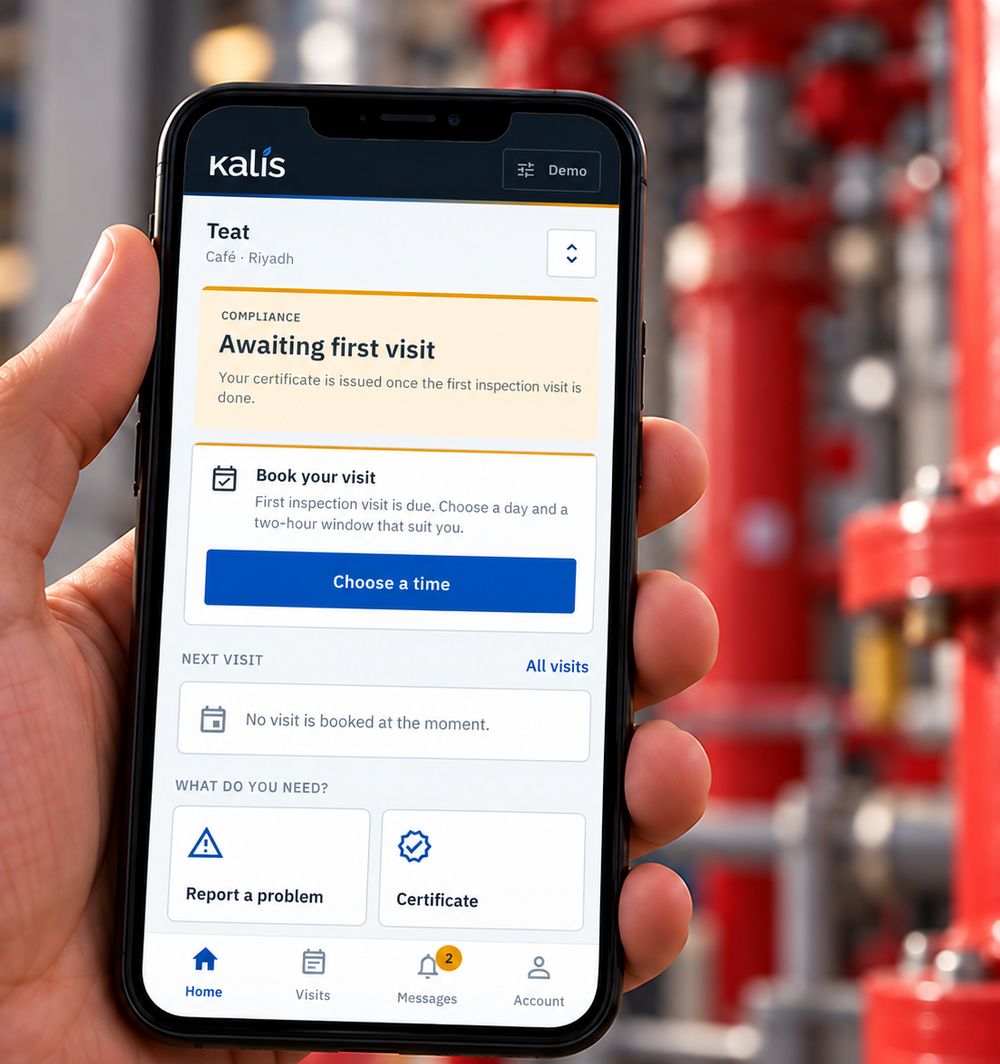
Small outlets have kitchens, extinguishers and a certificate to keep, and owners with no time for paperwork. The app gives them a compliance record they can read: whether the outlet is compliant, how many days the certificate has left, and when the next visit is.
- CompliantCertificate valid, nothing open
- Expiring soonBook the inspection before it lapses
- Action neededSomething failed and needs a repair
What it does
From booking the visit to holding the certificate
What is recorded at each visit reaches the app, so what you see is what was checked.
- Book the visitPick a two-hour window in the next fourteen days, and move it once if your plans change.
- Know who is comingOn the day you see the technician’s name and when they will arrive, and you can call them.
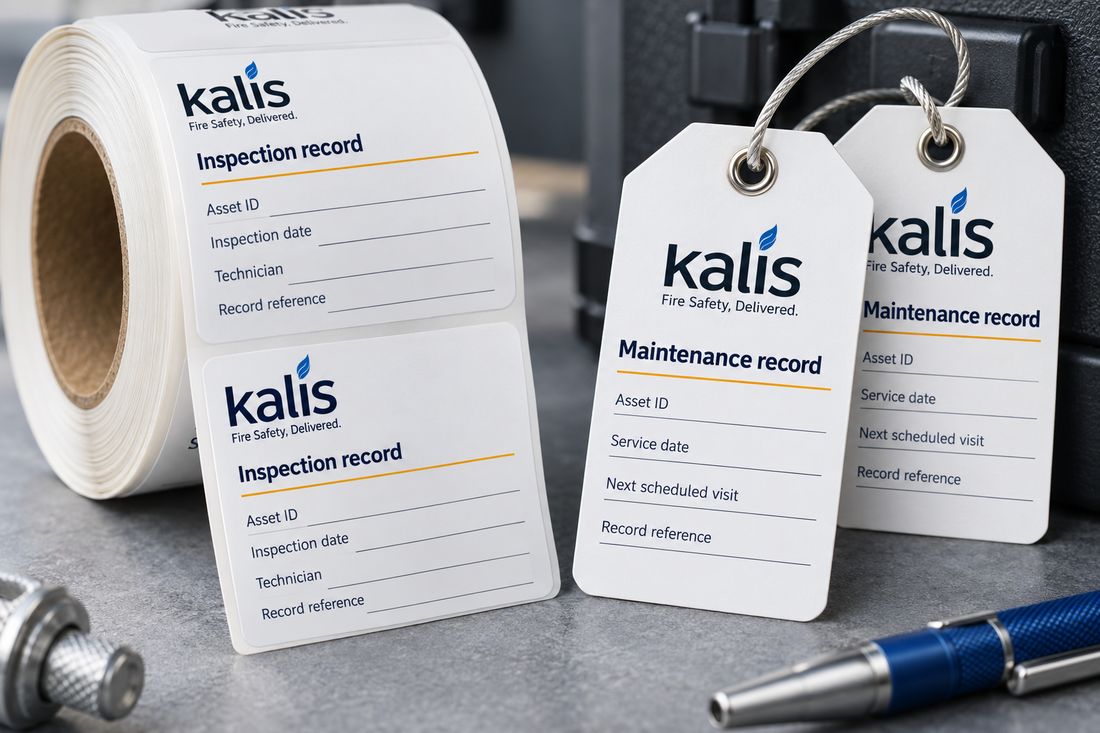
- Every item on the registerEach extinguisher, panel and system with its QR tag, when it was last serviced and when it is next due.
- Report a problemTell us what is wrong and whether it is urgent. Your plan sets how fast someone comes.
- Approve repairs in two tapsA failed item comes with a priced quote. Approve it and book the repair, or decline it.
- The certificate on your phoneSigned by our engineer, as a PDF to share, with a QR code anyone can scan to check it is valid.
- Told before it lapsesMessages when the technician is on the way, when a quote arrives and before your certificate expires.
- Pay your wayMonthly, or ahead for three, six or twelve months at a discount, with every invoice in the app.
- Arabic and EnglishEvery screen in both. Without signal it opens on what it last knew, and the certificate still opens.
How an outlet joins
Four steps, all in the app
- 1Sign inWith your mobile number and a one-time code. No password to remember.
- 2Add your outletIts name, commercial registration and a pin on the map, so the technician finds you. Choose a plan; plans run for twelve months.
- 3Pay and bookPay on a secure page, then book the first inspection.
- 4Stay compliantAfter each visit: the result for every item, the register, and the certificate. Rate the visit in two questions.
One account holds several outlets, each with its own plan, register and certificate.
Not one for apps?
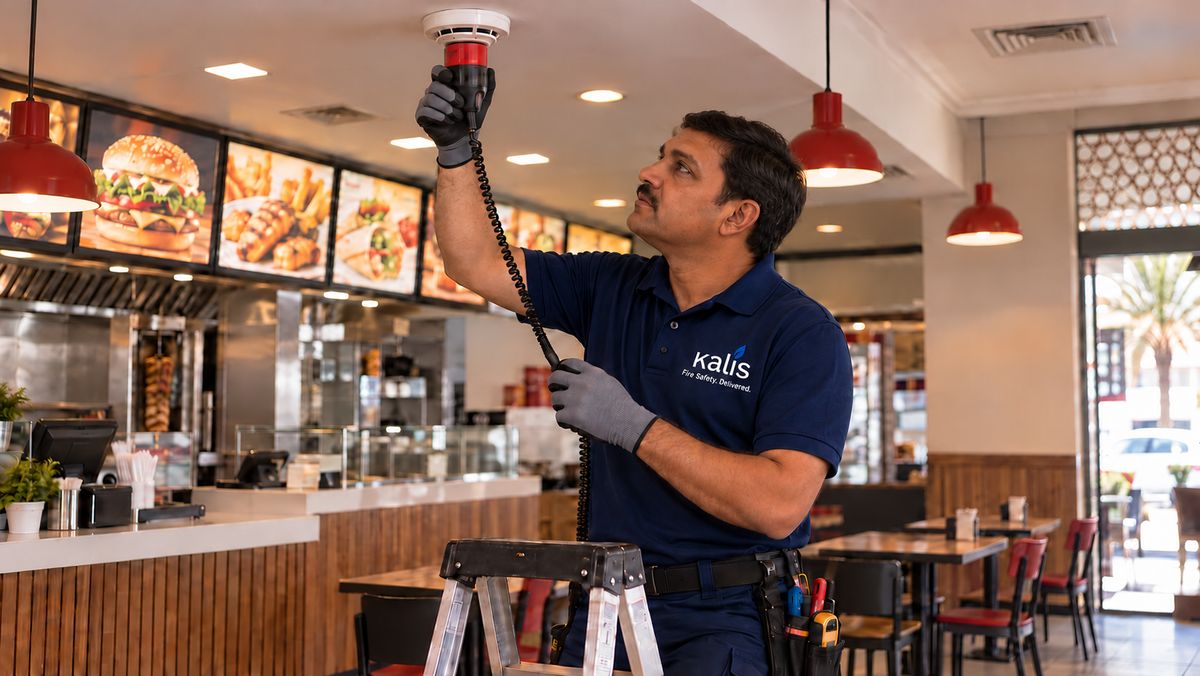
The same service, run from our desk
- We register you
- Our team sets up your company and its outlets, so nobody has to sign up.
- We book for you
- Visits, call-outs and repairs are arranged by our desk, by phone.
- We invoice you
- One invoice for several outlets, against your purchase order where you need one.
You can still open the app with the account’s mobile number and see the same records.
Availability
Coming soon to the app stores
The app is being prepared for Google Play and the App Store. Tell us about your outlet below and we will let you know when it opens, or start now with our desk.

Get in touch
Tell us about your outlet
We will let you know when the app opens, or start now with our desk.
- info@kalis-sa.com
- Office
- Riyadh, Saudi Arabia